
This blog post is related to my Google Summer of Code 2024 project: Procedural Fragment Shader Generation Using Classic Machine Learning.
I planned to begin testing the VisualShader class once the generator reached a stable state.
Weird DSO linking error
Before anything else, I want to express my frustration with Google’s technologies like gRPC, Protobuf, and Abseil. Google doesn’t seem to prioritize user experience when issues arise, as long as everything works within their own pipelines. You may recall the issue I encountered during the bonding period (Google Summer of Code 2024 Bonding Period) when trying to build RGM. That same issue persists across my Ubuntu installation and two Arch installations. Now, I can’t even build the test-runner because of it:
/usr/bin/ld: .eobjs/EnigmaPlugin.o: undefined reference to symbol '_ZN4absl12lts_2024011612log_internal21CheckOpMessageBuilderC1EPKc'
/usr/bin/ld: /usr/lib/libabsl_log_internal_check_op.so.2401.0.0: error adding symbols: DSO missing from command line
collect2: error: ld returned 1 exit status
make[1]: *** [../../Default.mk:23: ../../emake] Error 1
make[1]: Leaving directory '/home/k0t0z/Desktop/gsoc24/enigma-dev/CommandLine/emake'
make: *** [Makefile:51: emake] Error 2
This time, it’s not about RGM. After some quick research, I found that I’m not the only one struggling with this. The issue is widespread:
- https://bbs.archlinux.org/viewtopic.php?id=289986
- https://github.com/protocolbuffers/protobuf/issues/14500#issuecomment-1781292098
- https://github.com/qgis/QGIS/issues/55114
- https://github.com/protocolbuffers/protobuf/issues/15604#issuecomment-1929929148
Variations of this error appeared with each attempted fix, but none of the solutions worked.
At first, Josh and I suspected that the linking interface between gRPC, Protobuf, and Abseil was unstable. To fix this, I would have to diverge and build gRPC, Protobuf, and Abseil from scratch. I reached out to my colleague Fares, who provided the older versions he’s using on Ubuntu. These versions were so outdated they didn’t even use CMake. This reminded me that Ubuntu, being a stable distro, often doesn’t have the latest library versions.
Given that my midterm evaluation is approaching and I need to show tangible progress, I’ve decided to switch to Ubuntu for now to ensure stability and meet my deadlines.
VisualShader Types
To complete the generate_shader_for_each_node function, I needed certain types. Some of these types are already implemented within the engine, such as variant. However, I’m unsure if I can use them, given that the VisualShader class is not part of the engine but rather part of the shared library.
To work around this uncertainty, I created a new temporary custom type, defined as follows:
using TVariant = std::variant<std::monostate, float, int, TVector2, TVector3, TVector4, bool, std::string>;The “T” in all the types stands for “Temporary.” Currently, the VisualShader class is not integrated into any larger system; it’s a standalone class that can be built with a simple g++ command. These temporary types will eventually be replaced with engine types once they are available or confirmed. For now, they serve as placeholders to facilitate development until the proper engine integration is complete.
Most Important Operations In The Generator
Saif — 19/07/2024 20:37
What type of operation that will be useful for the generated code? for example: - + / * mod … also but what about color effects? like color blend or darken and lighten and all that?
Josh — 19/07/2024 20:39
matrix and arithmetic operations make a ton of sense for me, the important operation is range mapping so, you can check out the SVG specification for a pretty meh implementation of generalized filters but what I think is missing is the ability to create step functions basically, the ability to say “for values 0-0.5, use this filter; for values 0.5-1, use this one” especially if it can automatically interpolate between them by matrix operations, I just mean multiplying color channels so basically, you have [r,g,b,a, const…] and the user specifies the matrix to multiply that by
Let me clarify the conversation above. The goal of this project is to generate meaningful art using noise filters. Unlike traditional game engines such as Godot or Unity, we cannot rely on standard nodes. Instead, we need to create custom nodes that our AI agent can utilize. The most logical choice for these nodes are arithmetic operations for scalars and vectors.
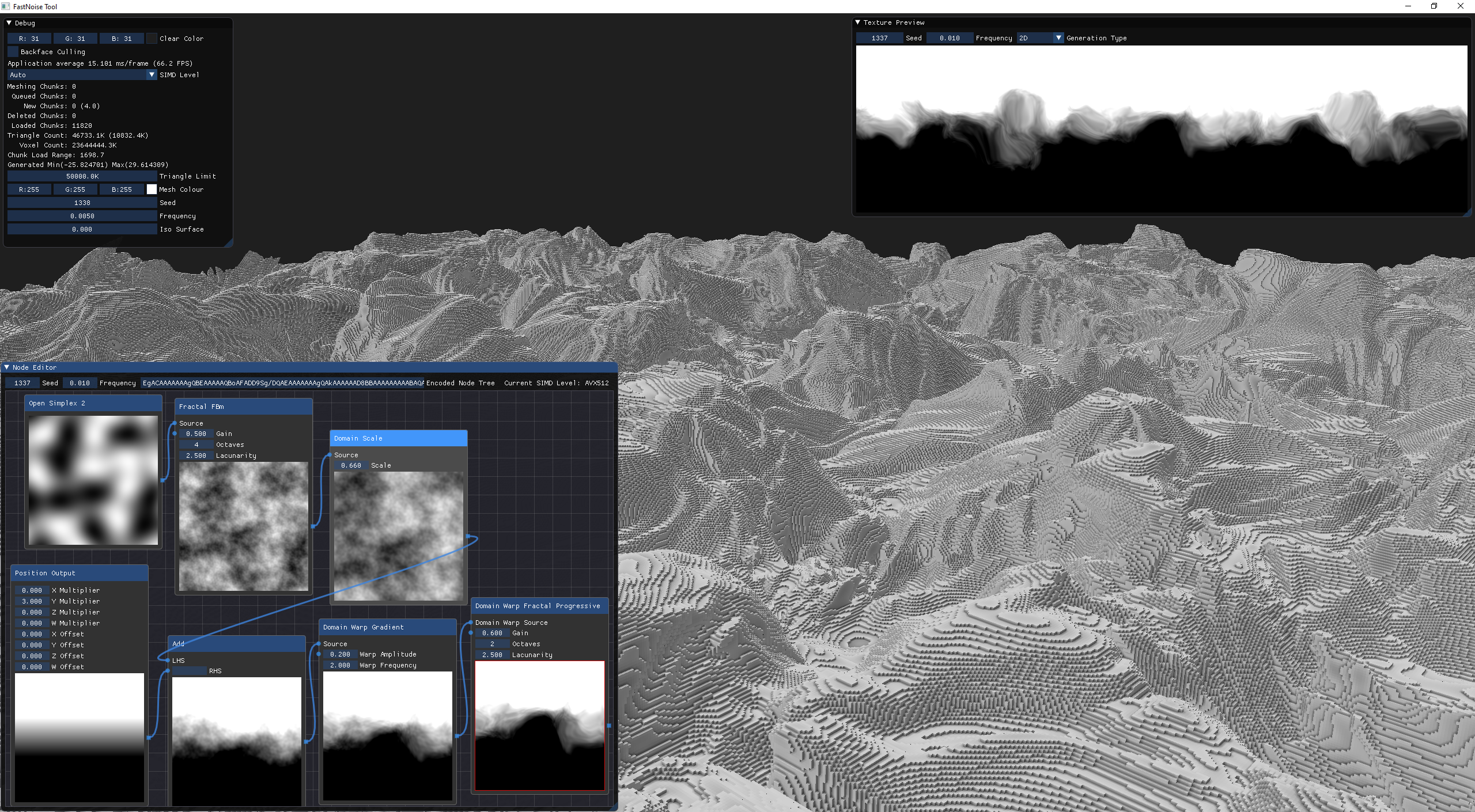
In addition to custom nodes, we must provide more parameters for each node to give our AI agent a broader range of options to select from. For instance, the ValueNoise node, which was the first one I created, currently has a scale parameter. However, this is insufficient; we need to include additional parameters, similar to those found in the impressive application FastNoiseLite.
Josh — 21/07/2024 19:38
octaves and frequency (preferably h/v separately) are the most important the domain warp should be a separate step distance function for lerp is also good to have, but less important for perlin noise yeah, perlin noise is 2D, so it often has two frequencies, but I suppose if we’re allowing transformations on domain and range, frequency doesn’t even matter you can force the perlin noise to have a domain of 0-1 and make the user map it differently
I will provide a more detailed explanation of this when I reach the AI component of the project.
The Renderer
Why are we implementing the Visual Shader Editor in the first place? The primary reason is to evaluate the performance of our AI agent. While we will have an error function to quantify the quality of the generated shader, visual inspection is essential, as Josh recommended.
When it comes to rendering and graphics, we turn to Robert. Although I’m not ready to tackle the renderer just yet, I like to familiarize myself with the necessary concepts in advance. Specifically, I want to understand how to apply my shader to a specific resource. For instance, if I have a sprite or a background, how do I apply the shader to it? If I wanted to create a disappearing effect, what would be the method to apply it to a sprite? ENIGMA has some built-in variables that it prepends to the shader code, and I aim to learn how these work.
R0bert — 23/07/2024 19:28
ENIGMA has a little abstraction, the shaders are intended to have built in variables like gm_Matrix and stuff, but idk if each backend to sets all the variables its supposed to like GM does but not a language abstraction yet its just uniform variable declarations that we prepend to the code of every user shader its just our way of communicating things like the projection to the user’s shaders yeah i think there’s gm_Texture too d3d and opengl have 8 texture samplers built in or w/e the shader gets a sampler object, so gm_Texture is an array i think of 8 or something we bind the texture to the texture sampler and then it can read it opengl calls them texture units, direct3d calls them texture stages sampler refers to the gpu side, in both cases https://registry.khronos.org/OpenGL-Refpages/gl4/html/glBindTextureUnit.xhtml
Saif — 23/07/2024 19:37
if i have a shader code that changes the color (vec4), it calculates it firstly and then applies it, this way of applying the effect on the texture is done by?
R0bert — 23/07/2024 19:38
it sounds like you’re describing render-to-texture, i’ve never done that in glsl before in typical case you’d render a flat 2d plane with the texture you might be able to write to a texture buffer from glsl idk and yes you need render-to-texture to postprocessing mostly… so i think all you need to do is render a 2d quad and create a surface (aka render-to-texture texture) surface_create(width, height) surface_set(mysurfid) shader_set(saifsshaderid) draw_rectangle(0,0,width,height) those are the functions you need put your texture in a background or sprite you dont need to get at the actual texture just draw it with draw_background_stretched albeit i did add special texture_add functions to enigma, but ignore those ENIGMA only easier if you just use background/make it self contained anyway yeah then… you can use surface_save and surface_get_texture if you want to do anything with the surface @Saif you can dump it out or draw other objects with the effected texturealbeit i did add special texture_add functions to enigma, but ignore those ENIGMA only
I had this conversation with Robert to understand how to utilize ENIGMA’s Graphics System for rendering the shader. Most of the functions he mentioned are integral to the engine, including surface_create, surface_set, shader_set, draw_rectangle, draw_background_stretched, surface_save, and surface_get_texture.